
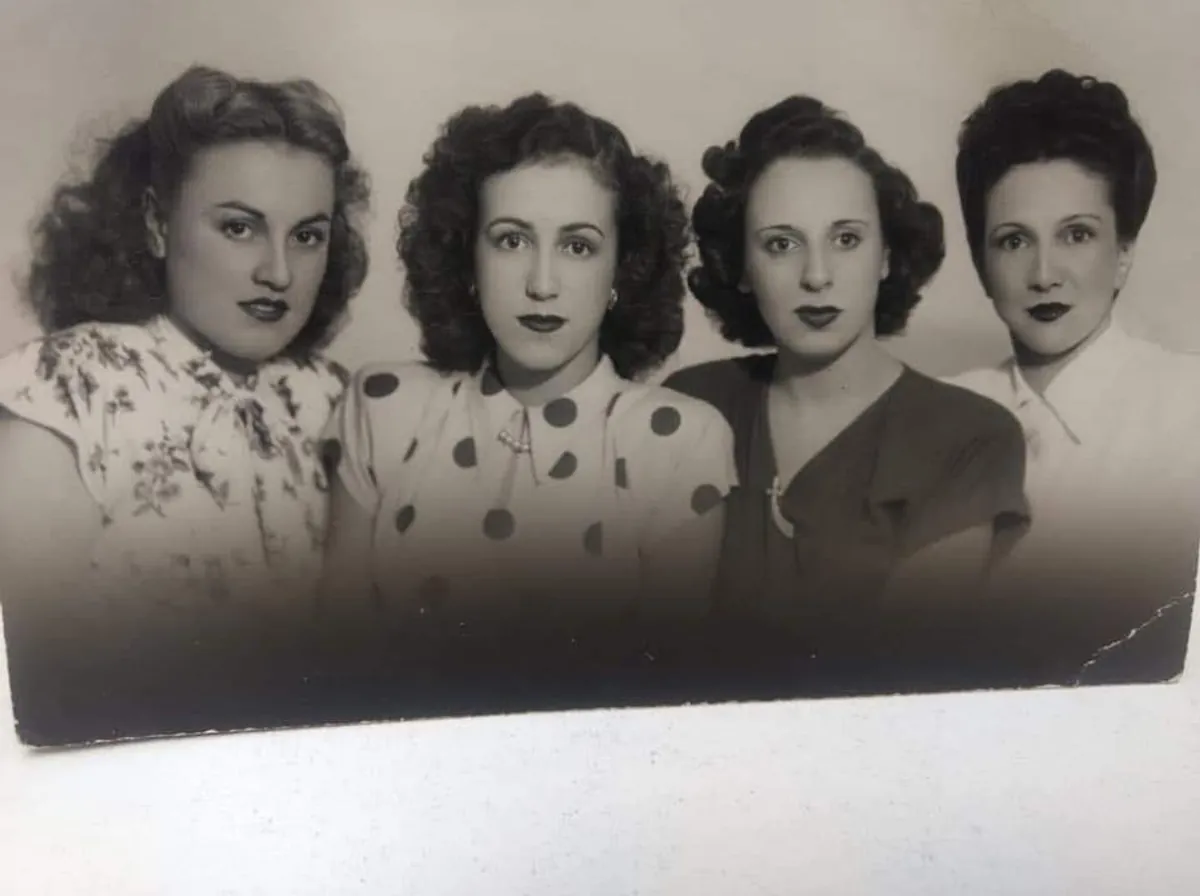
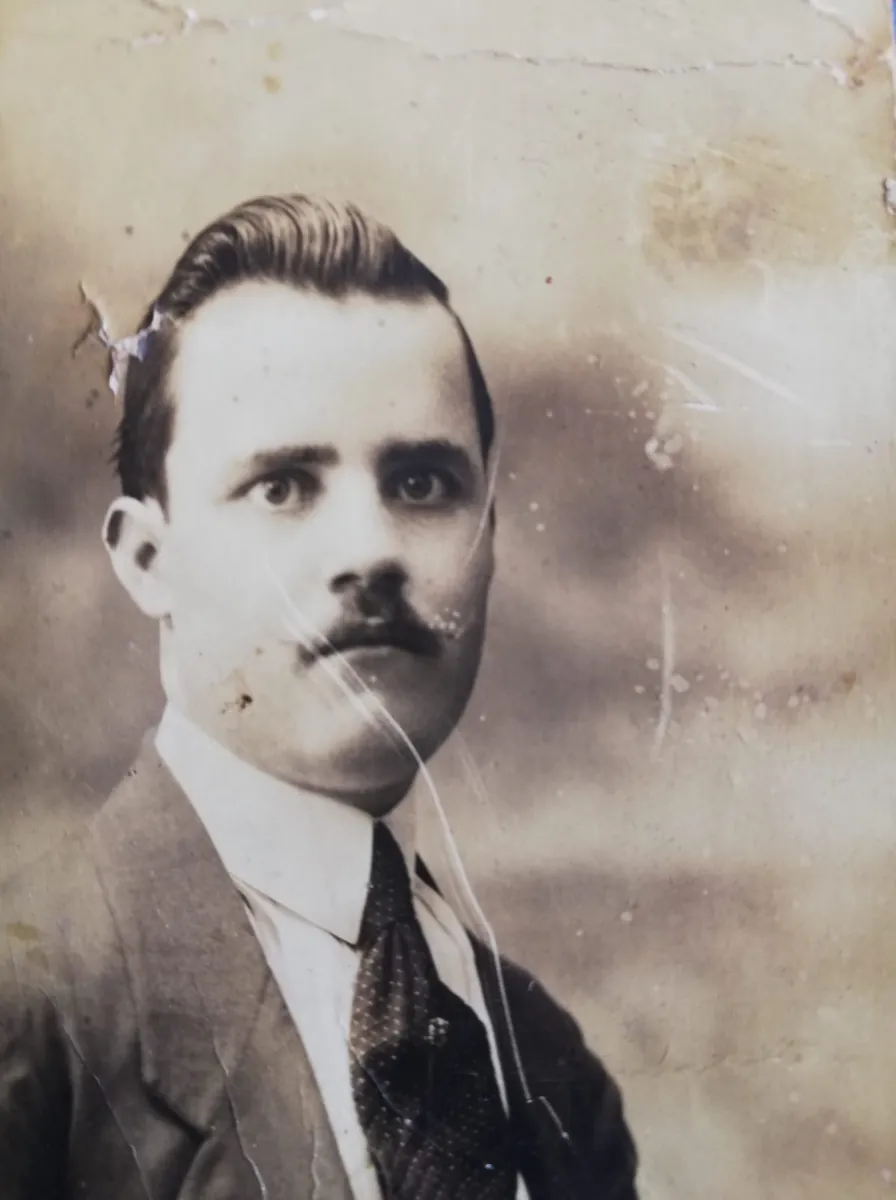
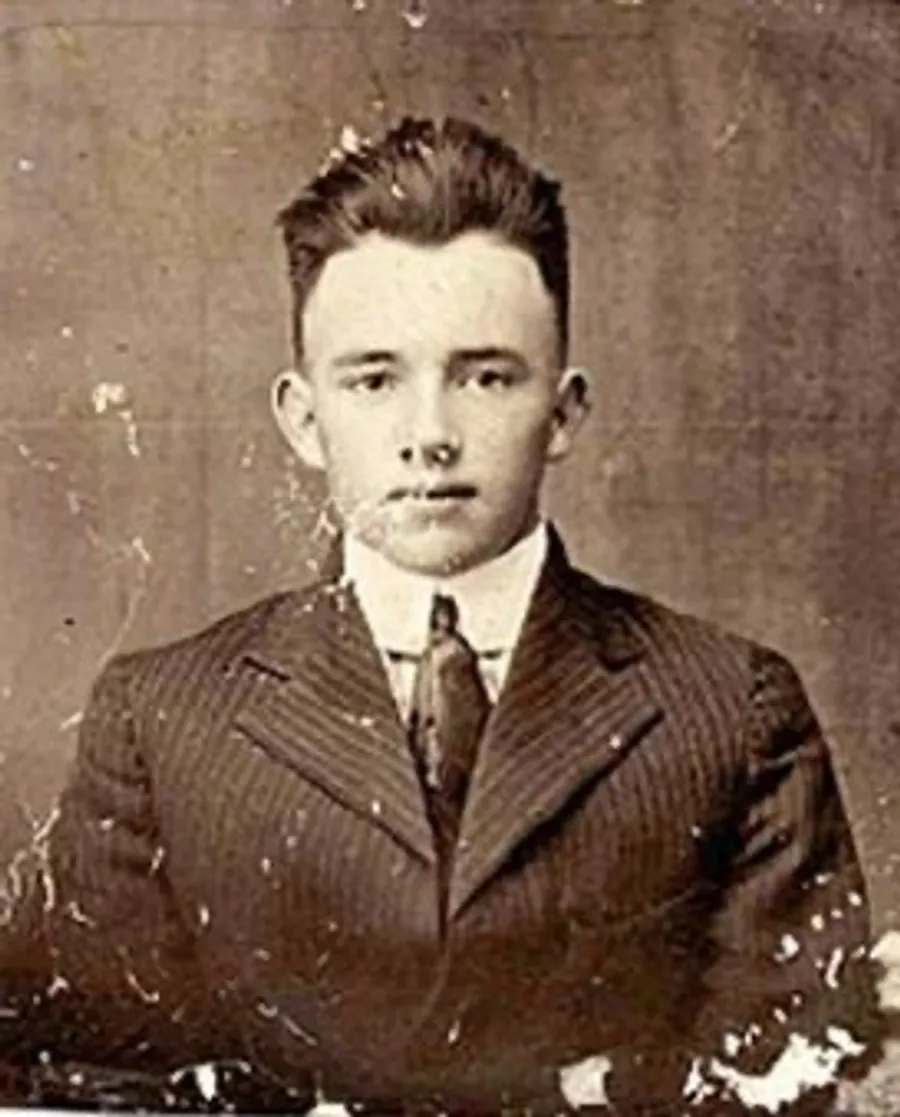
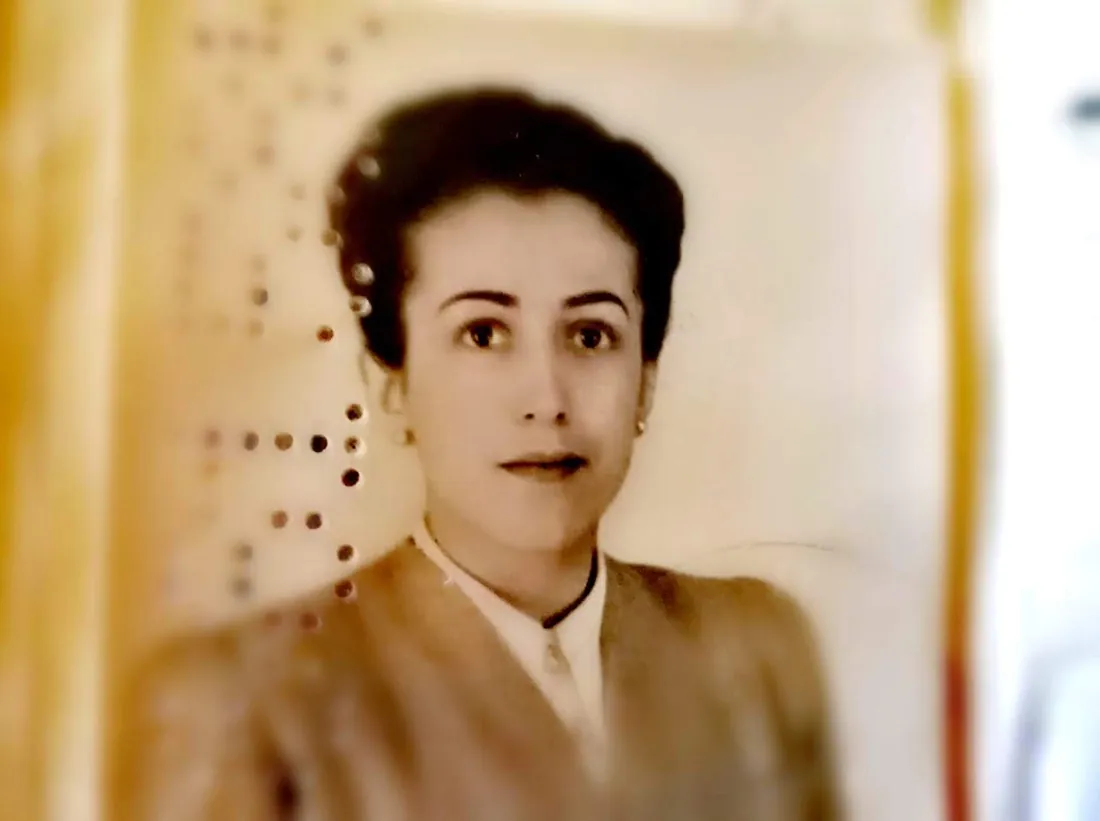
Repair damage
Erase scratches, creases, water stains, and torn edges.
AI photo restoration
Repair scratches and fading, add natural color, and sharpen blurry faces in seconds. Your family stays looking like themselves.
 Original
Restored
Real results
Every example below is a real family photo, restored by the app exactly as you'd get it.
 Original
Restored
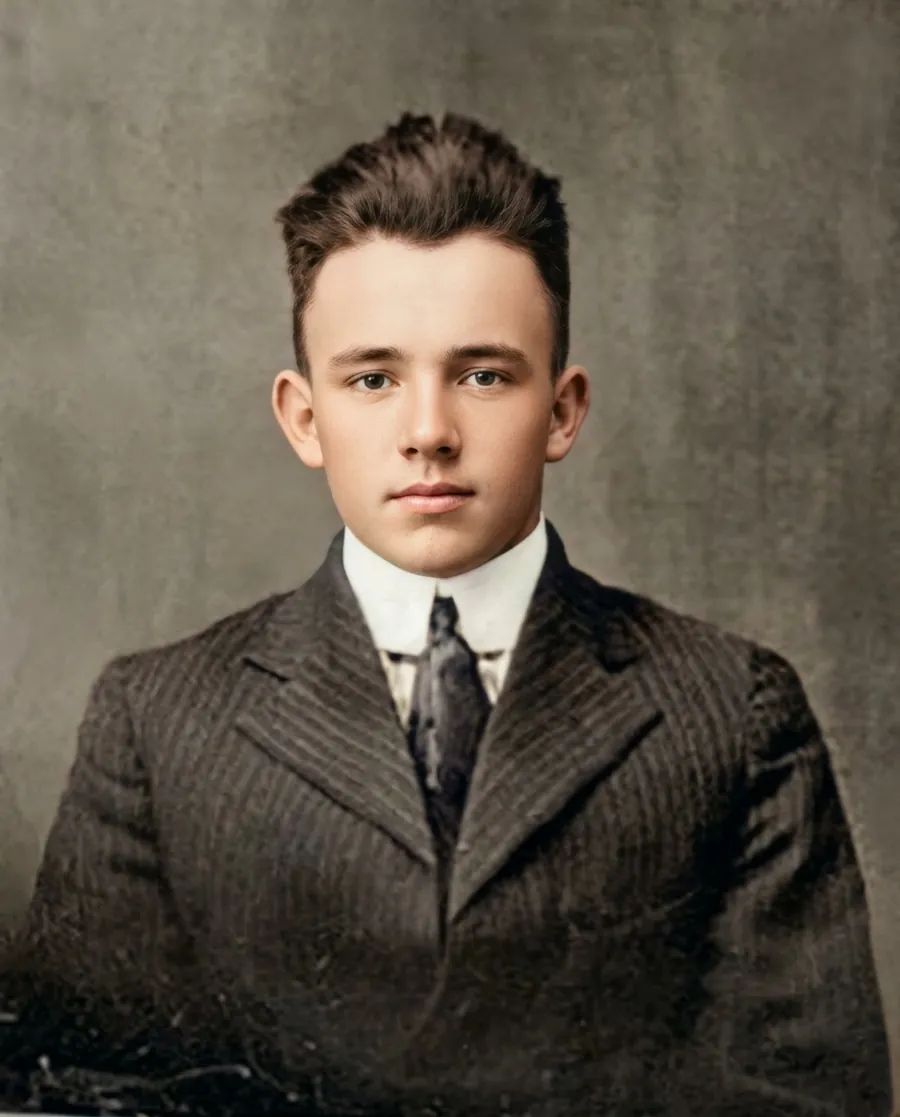
Scratches, creases, stains, and torn corners disappear, while the person in the photo stays exactly who they were.
 Original
Restored
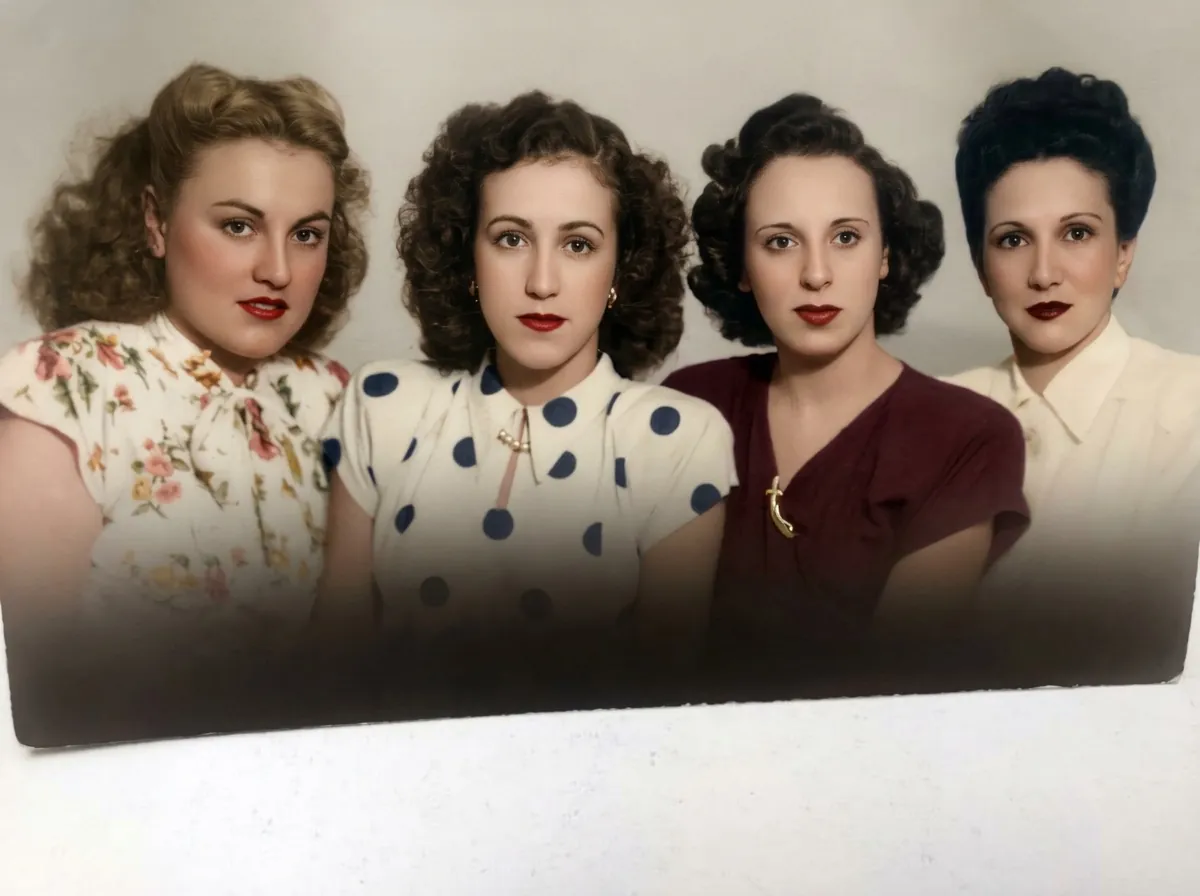
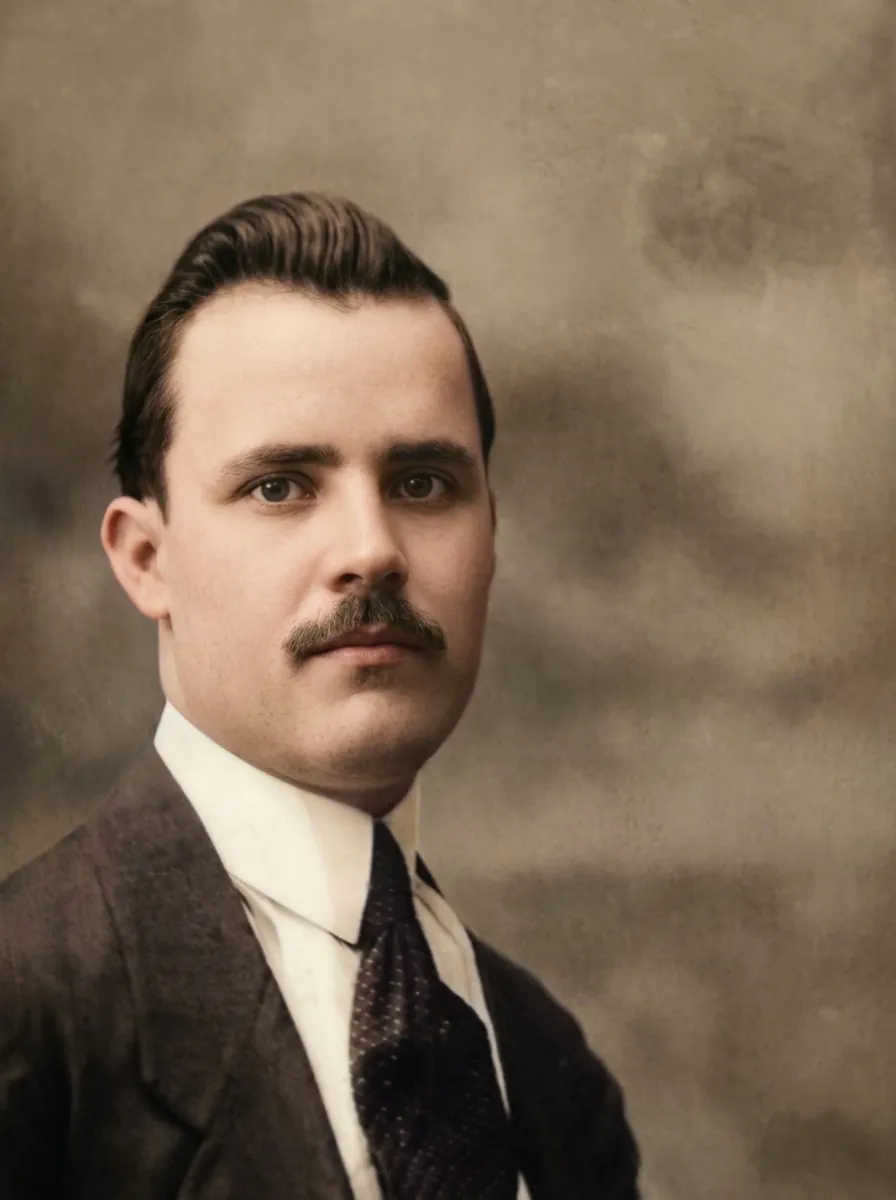
Natural, period-appropriate color for black-and-white and sepia prints. Skin, fabric, and backgrounds look real, not painted.
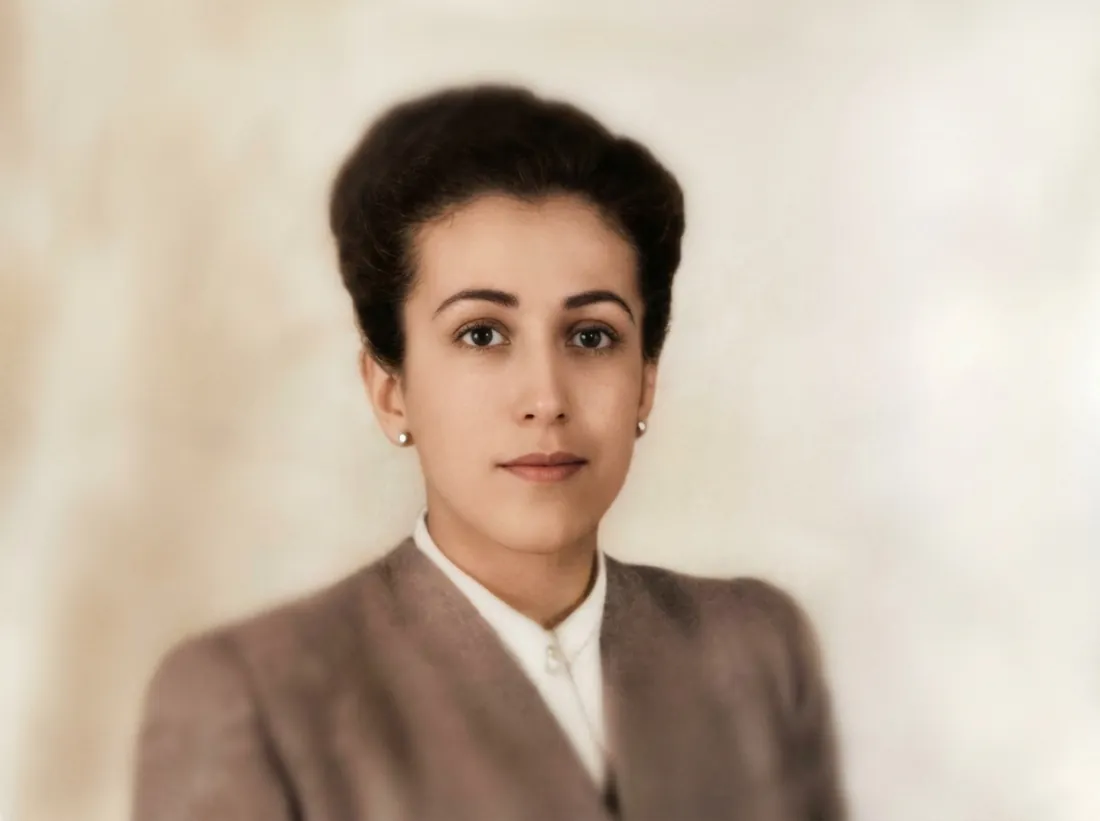 Original
Restored
Recover detail in blurry or out-of-focus portraits without the waxy, artificial look of other apps.
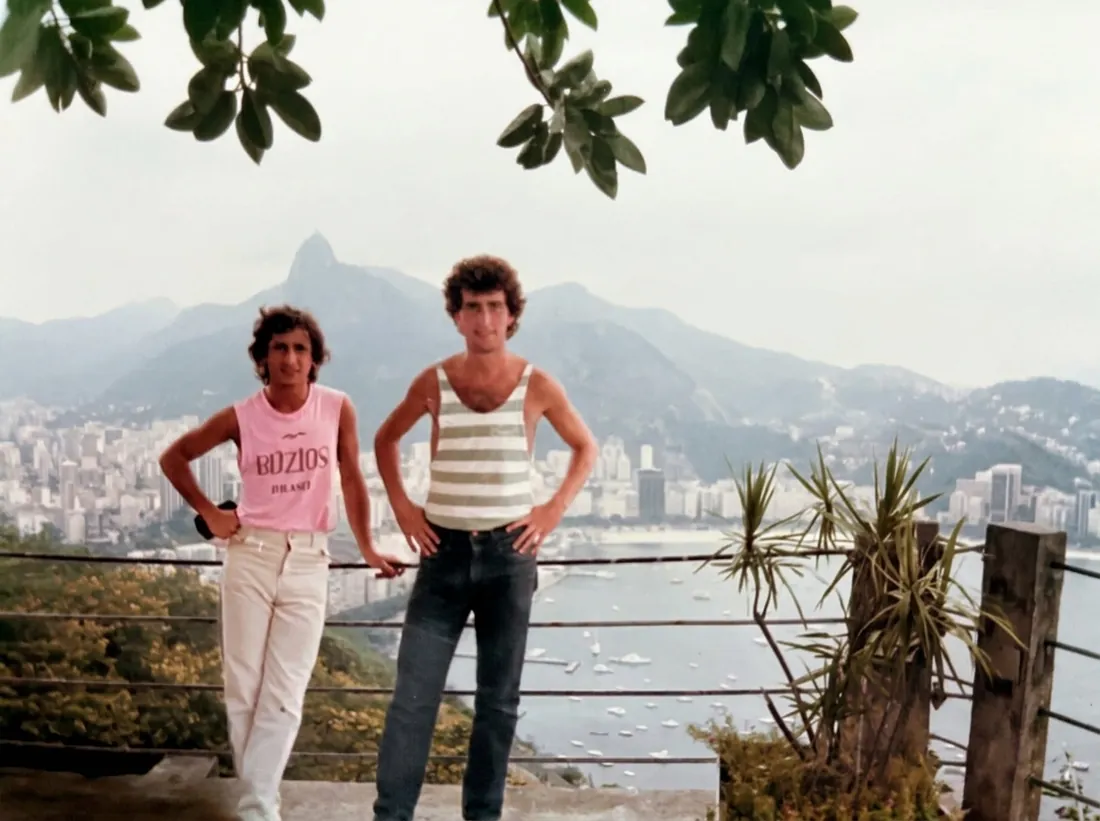 Original
Restored
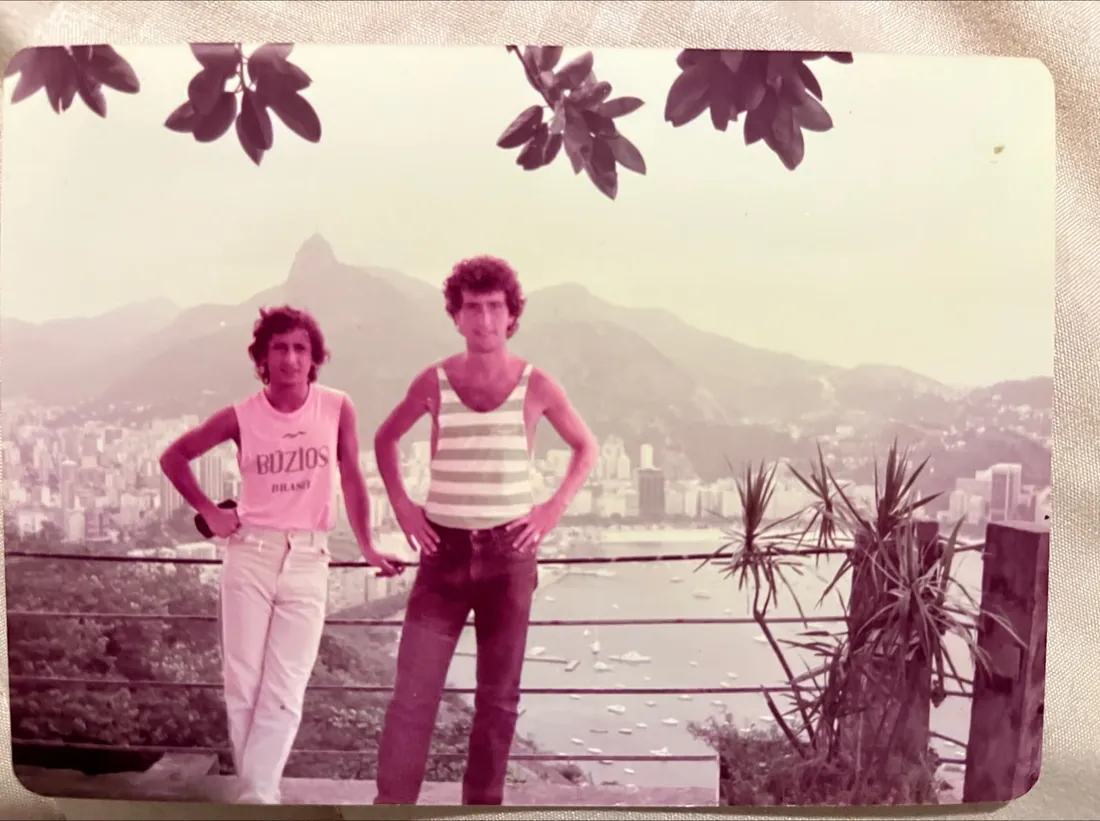
Washed-out and color-shifted prints from the '70s and '80s get their true colors back.
New: Bring to life
Turn a restored photo into a short living moment: a gentle smile, a blink, a breath. Save it or share it with the whole family.
Videos are included with paid plans. They aren't part of the free trial.
Everything in the app
Erase scratches, creases, water stains, and torn edges.
Realistic color for black-and-white and sepia photos.
Recover soft-focus detail while keeping true likeness.
Upscale small, grainy photos so they're ready to print.
Turn a restored photo into a short video with Pro.
Drag across the photo to see exactly what changed.
Every restoration is saved and synced to your account.
Send restored photos to family or save them to your Photos.
How it works
Take a picture of an old print with your phone, or choose any photo from your library.
RenewPics repairs, colorizes, and sharpens it in one pass, usually in under a minute.
Drag to compare before and after, then save it, share it, or bring it to life.
Why RenewPics
RenewPics studies your photo before restoring it and checks the result against the original afterwards. No plastic skin, no new features, no strangers.
Your photos are stored privately in your account and only you can see them. We never sell them or use them to train AI models.
Delete any photo, or your whole account, right from the app at any time.
Pricing
Your first restoration is free, no subscription needed. Every plan includes unlimited restorations and Bring to life videos.
$39.99 per year
About 77¢ a week
3 days free$6.99 per month
Cancel anytime
3 days free$1.99 per week
Cancel anytime
3 days freePrices in US dollars. The App Store shows the price in your local currency.
The free trial requires a payment method and converts to a paid subscription unless canceled at least 24 hours before it ends. Subscriptions renew automatically and are billed through your Apple ID. Cancel anytime in your App Store settings. Bring to life videos are for paid plans and are not available during the free trial. Fair-use limits apply. Terms of Service · Privacy Policy
FAQ
No. RenewPics is built to repair, not reinvent. It describes your photo before restoring it and checks the result against the original afterwards, so faces, expressions, and details stay true.
Your first restoration is free. After that, start a 3-day free trial with unlimited restorations, then choose a weekly, monthly, or yearly plan. You can cancel anytime in your App Store settings.
It turns a restored photo into a short video with gentle, natural movement. It's included with paid Pro plans (up to 5 videos a week) and is not part of the free trial. Some photos, especially ones with children, can't be animated; when that happens, it doesn't count toward your limit.
Yes. Your photos are stored privately in your account and only you can see them. We never sell them or use them to train AI models, and you can delete any photo or your whole account from the app.
Any JPG, PNG, or HEIC up to 20 MB. For prints, lay the photo flat in even light, avoid glare, and fill the frame. Very damaged photos improve a lot, but detail that's completely gone can only be approximated.
Colorization produces realistic, period-appropriate color based on what's in the photo. It's a careful interpretation, not a record of the exact original colors.
More questions? Visit our Help Center or email support@miramarlabs.xyz.
Download RenewPics and restore your first photo free today.
Download on theApp Store